Using Neovim as a pager
by Hund | November 19, 2025
When I couldn’t find a decent pager that supports basic features like proper theming, I turned to the fediverse for some recommendations. I only received one reply, but luckily enough, it was a really good recommendation. R.L. Dane advised me that I could use my text editor Neovim as a pager like this: nvim -R +"set scrolloff=999" +"norm L".
I decided to build upon this idea and add a few additional settings:
#!/bin/sh

nvim \
    -c "set filetype=markdown" \
    -c "normal! gg" \
    -c "set titlestring=Reader" \
    -c "Goyo" \
    -c "nnoremap <silent> j <C-e>" \
    -c "nnoremap <silent> k <C-y>" \
    -c "nnoremap q :Goyo<CR>:q!<CR>" \
    -c "hi Cursor blend=100" \
    -c "set guicursor+=a:Cursor/lCursor" \
    "$1"
These commands does the following things:
- Sets the file type to Markdown.
- Opens the document at the top (probably not needed, but why not).
- Sets the title to “Reader”.
- Enables the distraction free mode with Goyo.
- Makes the keys
jandkto always scroll one step, no matter where the cursor is. - Hides the cursor. I don’t need it to read text.
- Let’s me exit Neovim with just a single key (
q).
And here’s the result:
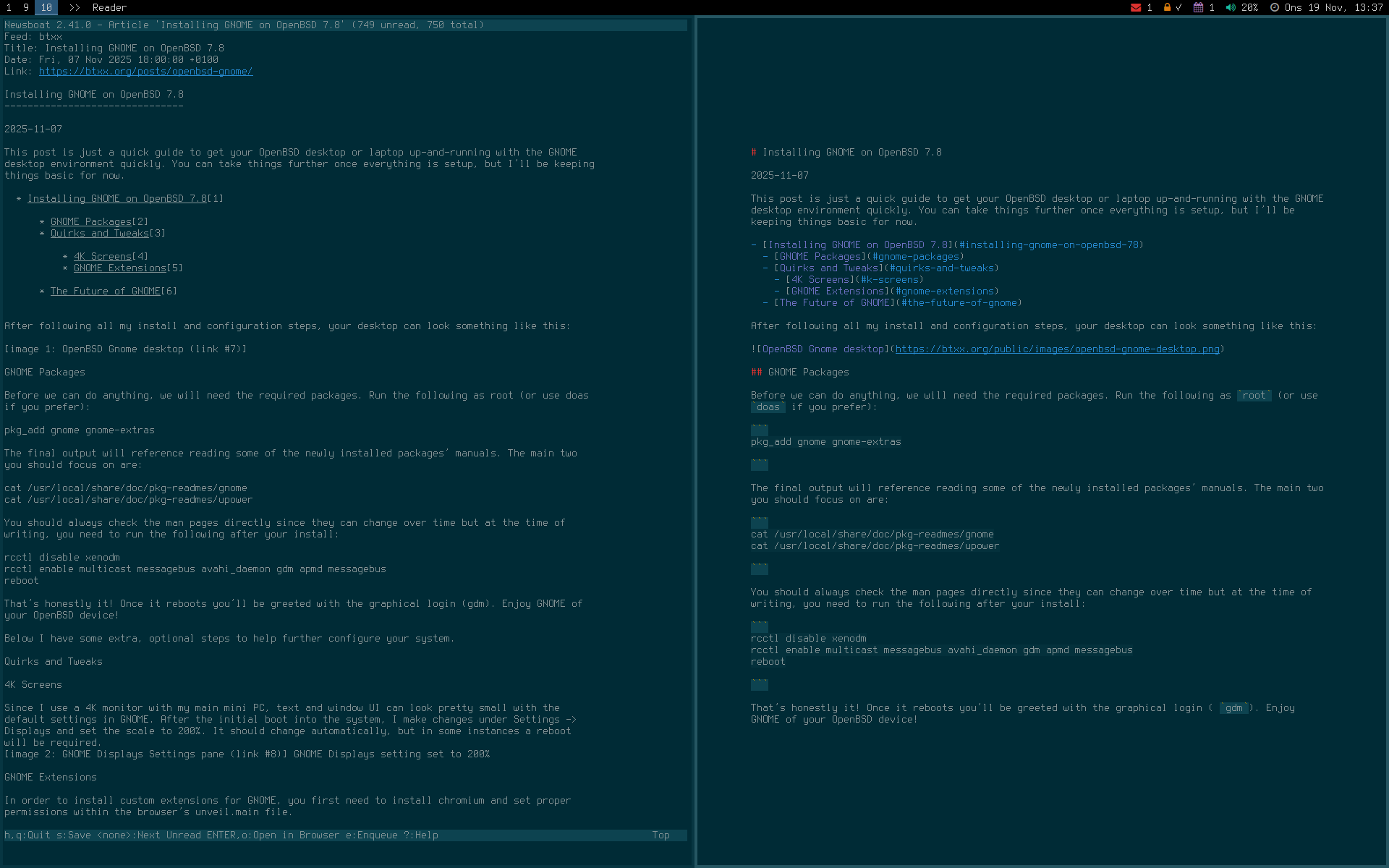
This solution gives me much more control over the content, how it looks and how I interact with it. It also means that I don’t have to install another tool.
Comments
There's no comments for this post. Use this e-mail form if you would like to leave a /public/ comment on this post. Or simply send me a private e-mail message if you have any feedback, or just want to say hello.